How to let customers choose their free gift
You can let customers choose between several gifts, or choose the size or color of the gift.
Offer several gifts to choose from
In the offer, go to Gift Offer > Select gift options > Select products and add up to 10 gift options per goal. You can drag them to change the order. The customer picks one of them in the gift popup, shown as a carousel. Out-of-stock options are hidden automatically.
Let customers choose a variant
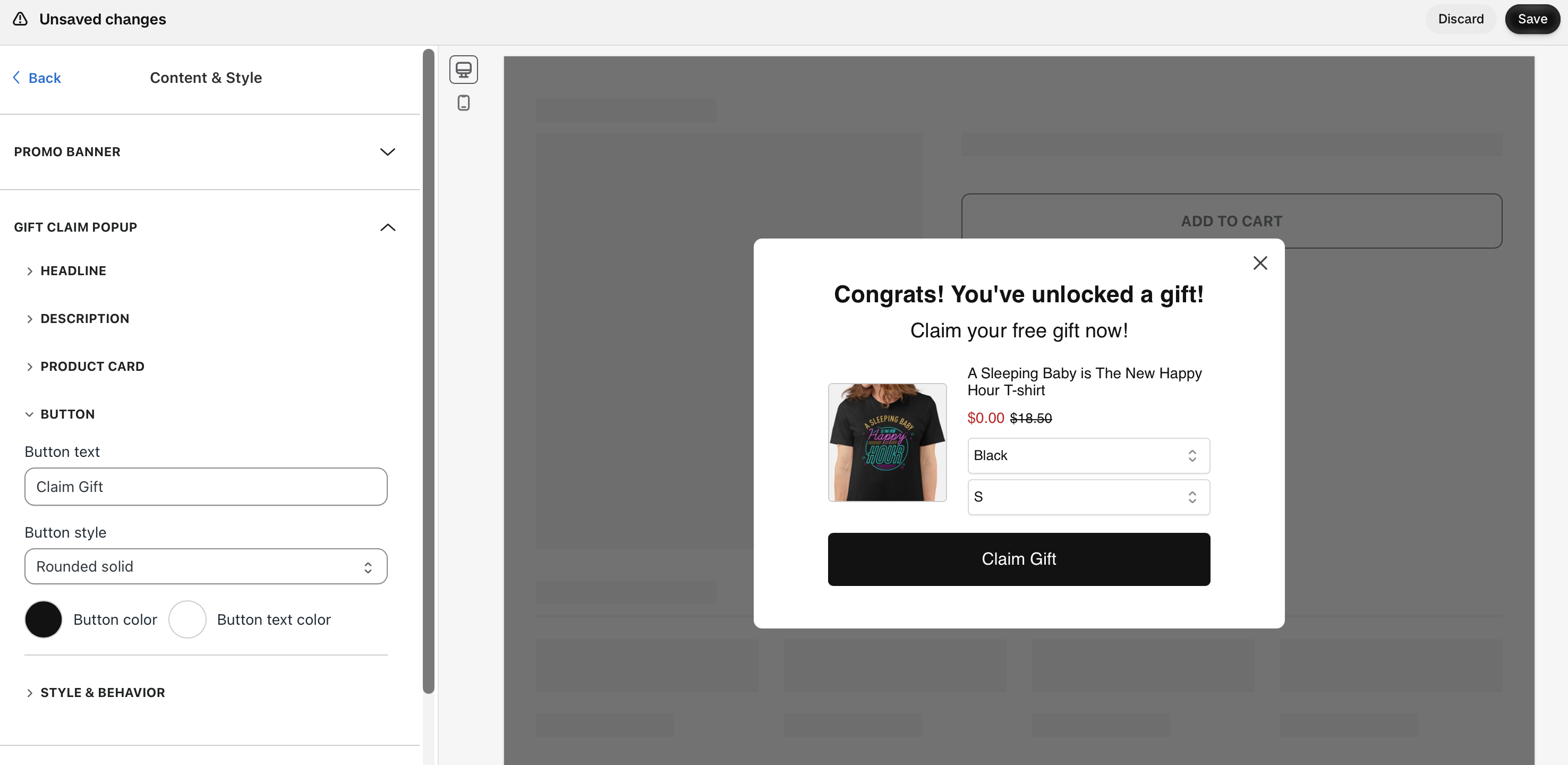
When you select a gift product, you can choose which of its variants to offer. The gift popup shows a dropdown for each option (for example, color and size), so the customer can pick one. A gift product can have up to 3 variant options.
Keep the popup turned on
Customers choose their gift in the gift claim popup, so Automatically add gift & skip popup must be off (Content & Style > Gift Claim Popup > Style & Behavior). When it's on, the app adds the first available gift and variant, and the customer can't choose.
Customize the popup
In Content & Style > Gift Claim Popup you can change the headline, description, button text and style, colors and fonts. To use your store's font, choose Match Store Font in Font style. It shows on your live store, not in the app preview.